
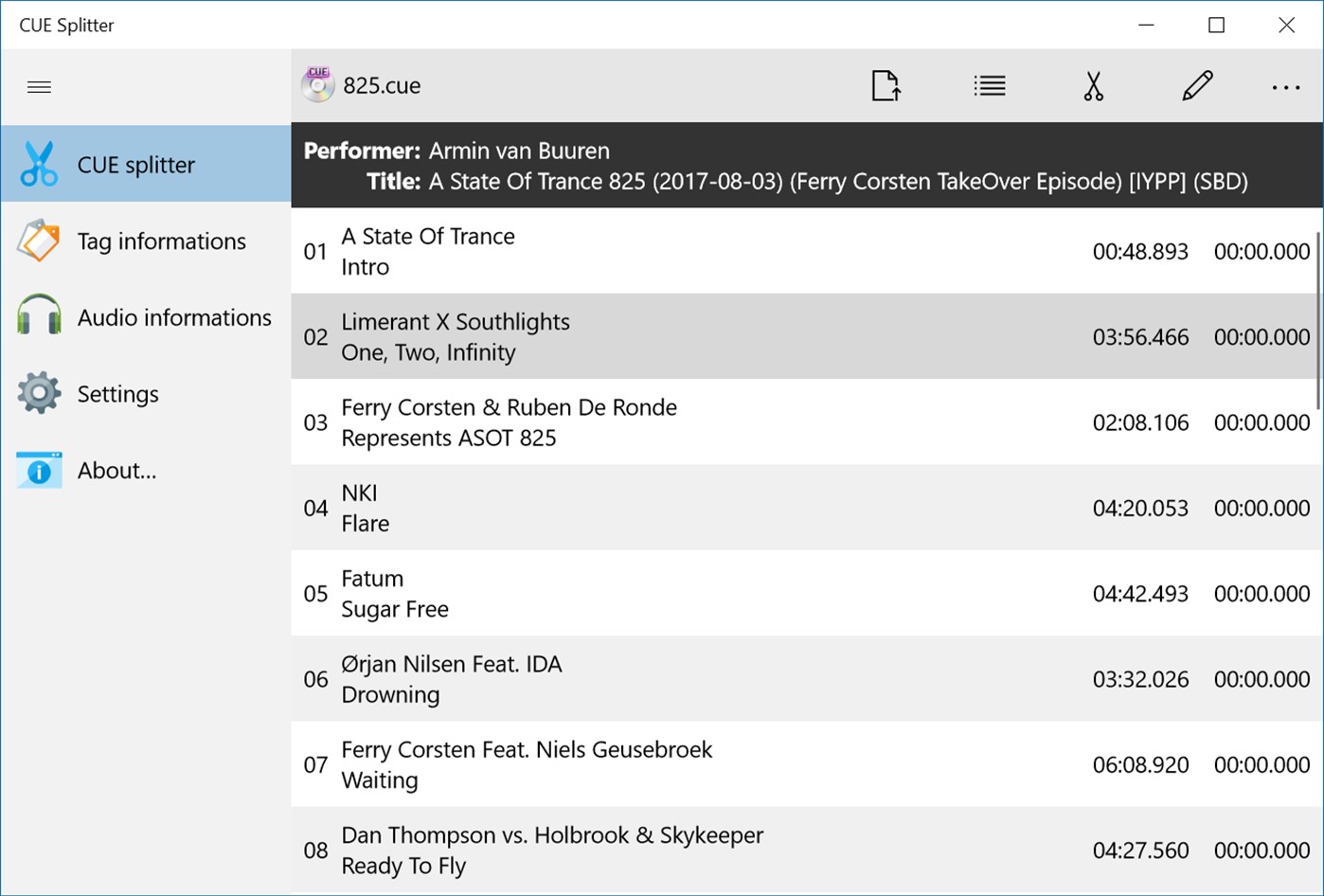
有些無損音樂通常是一個CUE檔搭配一個FLAC音樂檔,雖然如此仍是可以在例如:foobar2000來做個別歌曲的播放,但有時我們想要將此單一無損音樂檔案分割為每一首歌曲成單一軌的檔案,Medieval CUE Splitter 便可為您達到此功能。 Free
多語
Medieval CUE Splitter 2.0.8 for Windows(Microsoft Store)
可以將一個整軌的音樂檔案分割為每一首歌曲成一軌的免費音樂分割軟體。
授權性質:免費
使用限制:請參考軟體公司網站
介面語言:多國語言
作業系統:Windows(Microsoft Store)
點閱次數:60,834
下載次數:15,663
檔案大小:19.26 MB
更新時間:2020/12/25 下午11:20:29
官方網站: Medieval Software
軟體簡介
詳細說明介紹
支援的音樂檔案格式:uncompressed pcm WAVE, MP3, FLAC, APE, OGG, WMA, MPC, WV and TTA;
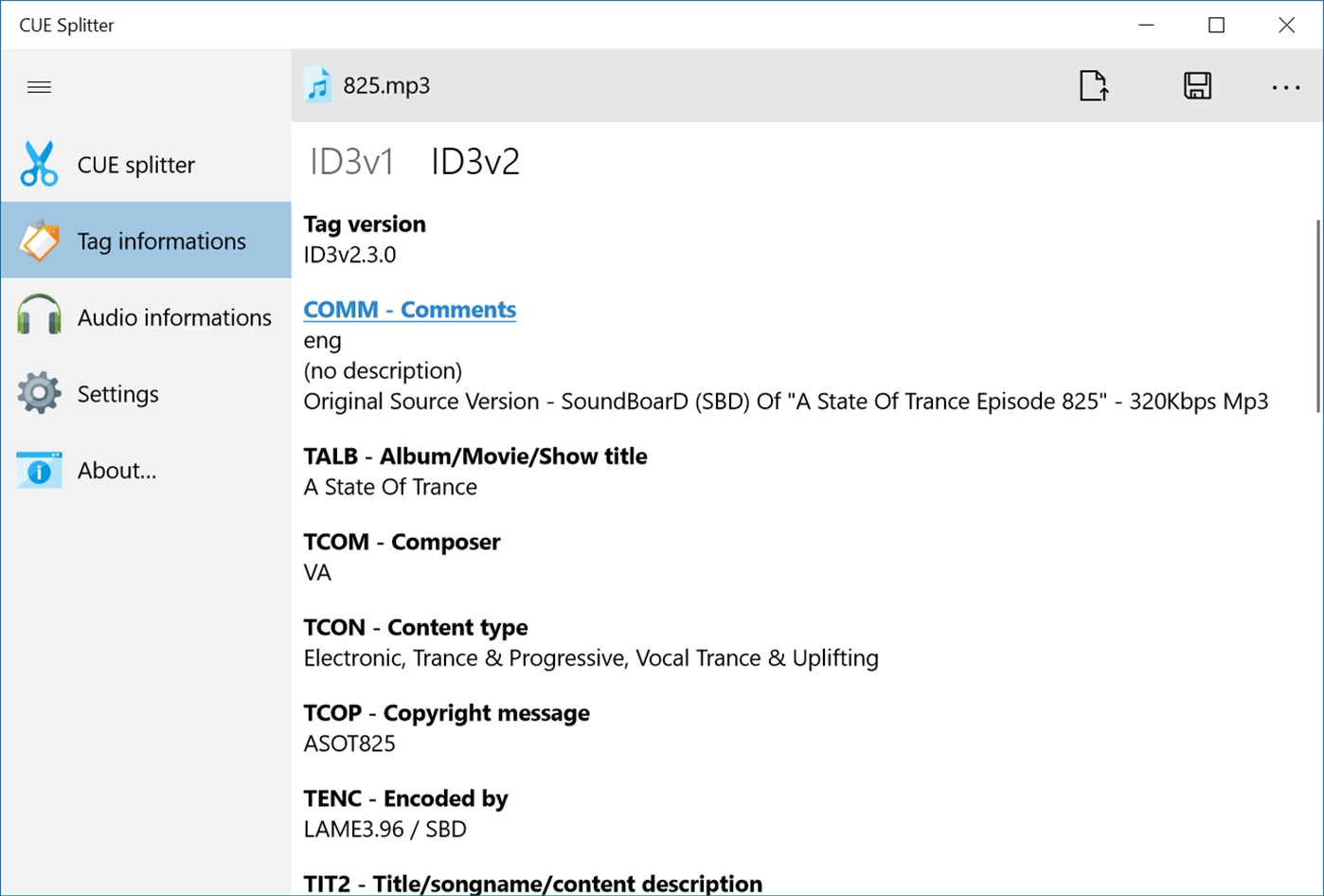
支援的音樂 Tags:ID3v1, ID3v2, Lyrics, Vorbis comment e APE;
支援 Unicode, UTF8 and ANSI 編碼格式。
更多完整功能包含:
Supported audio files: uncompressed pcm WAVE, MP3, FLAC, APE, OGG, WMA, MPC, WV and TTA;
Accurate VBR MP3 processing;
Full support for DTS-WAV of DTS-Audio CD;
Supported audio tags: ID3v1, ID3v2, Lyrics, Vorbis comment e APE;
Complete support for Unicode, UTF8 and ANSI encodings in every part of the program;
Can load .CUE files written with Unicode, UTF8 and ANSI (any codepage) encoding;
You can batch process a series of CUE sheet files at once;
Hidden tracks and sub-indexes are automatically detected;
You can include the gap sound chunk (mostly silence) on splitted files;
Various file access methods to improve performance across different systems;
Generated file names are automatically constructed using a user-defined "file mask" string (Press F1 or F6 for a tutorial);
Generated file tags are automatically filled with informations extracted from "CUE" files (tags can be modified on-the-fly);
Automatically generates an M3U and M3U8 playlist file ready for Winamp (and other players);
You can automatically generate a new CUE sheet file at the end of split process;
You can send all splitted fiiles into a common directory (press F6 to configure this feature);
CUE sheet and M3U generated files can use a file mask too;
You can choose only desired tracks for extraction;
You can associate .CUE extension with CUE Splitter and double-click on any .CUE file from Windows explorer;
You can handle any number of custom "file mask" strings, as needed, directly from the user-interface;
You can choose a char case changer, for files and tags, between: title case, upper case, lower case, sentence case;
You can scan a single audio file or an entire directory recursively, to obtain file informations and detect audio errors;
You can edit artist and title using pop-up menu or double-clicking over a track (changes are not saved back on .CUE);
You can create and handle your custom list of musical genres (used for tags);
You can choose your preferred font face to use in the user-interface form;
Multi-language interface: you can translate the software to your language using the buil-in translating tool;
Simple, light and straightforward user-interface;
Tray icon enabled;
如果您覺得此軟體符合您的需求,請點擊下方按鈕前往下載頁面。
立即進入下載頁面軟體截圖參考
該公司的其他軟體
資料讀取中...